Heart Window

A bespoke health pacing tool. Built with you from heart rate data from your own wearable. Giving you a window into your personal patterns.
- My story
- The problem
- What I've built
- What I'm offering
- How it works
- Fees
- Contact
- Gallery (new tab)
- FAQs (new tab)
- Is this right for you? (New tab)
My story
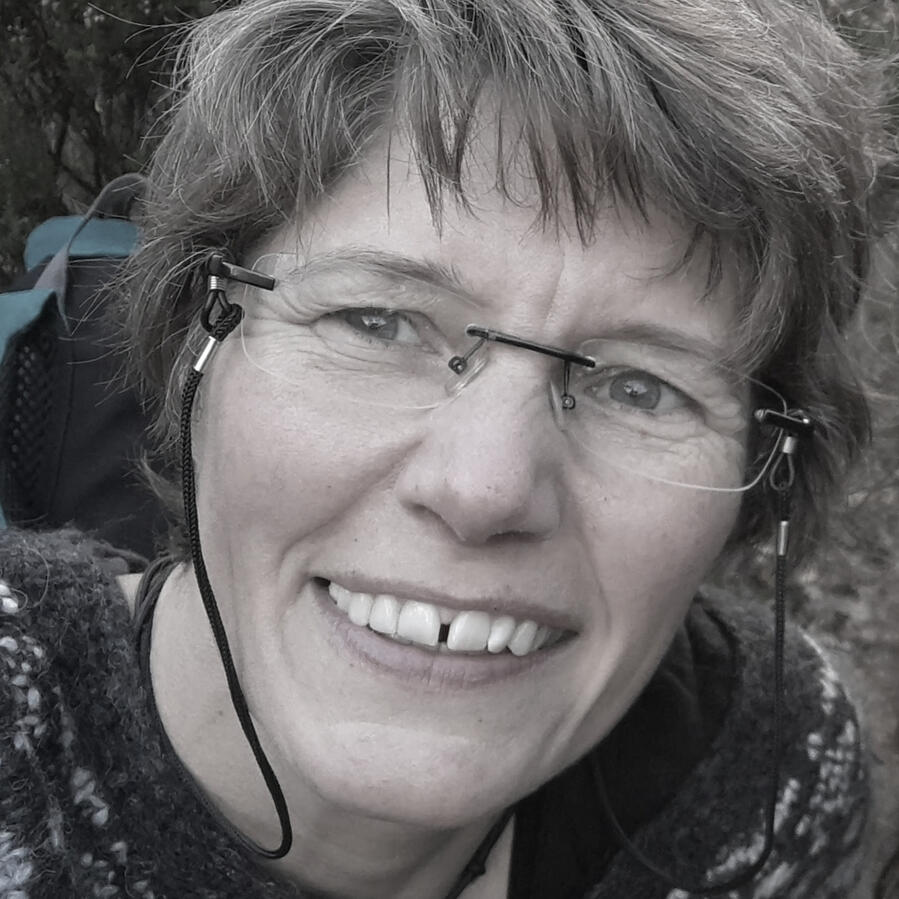
I'm Anna Marie. I'm in my 50s and have lived with intermittent ME/CFS, POTS and other comorbidities since my 20s. Most of that time I was undiagnosed. Some years I could climb mountains. Other years just getting to the loo was hard. I've thought I was "cured" many times. And many times I've relapsed, most recently from Covid in 2025.
Even in my worst periods, I've usually been able to think clearly. I trained in architecture then moved sideways to work in renewable energy. Until recently, I worked 10 hours a week delivering online CAD training in construction. I worked from home, sometimes from bed.I wanted to work in health, and follow my other passion besides spreadsheets. So in 2025 I began a six-year, part-time training in medical herbalism.Back to Menu
The problem

The unpredictable nature of this condition makes life hard; physically, emotionally, practically. Before I get up, I want to know roughly what to expect. I want a way to see the crashes and improvements clearly, to make sense of them and share them with others.Back to Menu
What I've built
In 2016 I found one reason why I felt terrible: My heart rate shot up when I stood. I learned of POTS through the wonderful videos by Dr Gupta.I learned how to pace using a heart rate monitor from the patient Facebook group pacing with a HR monitor . Since then I've tried many ways to pace, and many ways not to.
Beginning of Heart Window
In 2021 I built a spreadsheet to track how my daily energy matched data from my watch and other sources. My personalised tool works better for me than any other pacing tools that I tried. Because it's built around measures that actually match my health, day to day.
A safe morning stress test
Here's what that looks like for me: I drink a pint of electrolytes in bed, then stand up first thing in the morning. My maximum heart rate 90 seconds later tells me how much active-calorie budget my body can handle that day.
A daily budget
The tool turns that into a budget I can see and track on my watchface. Together with overnight heart data, it gives me a fairly accurate picture of what my day could look like. That means I can face the day with some numbers behind me, not just guesswork.See Heart Window Gallery for examples of what's possible.Back to Menu
What I'm offering
I'd like to work with others the same way. Not using my spreadsheet, but starting from scratch with you to decide what you need and want. Together we'll look for the data that closely tracks your actual symptoms. From that, you can start to predict your health day to day.
Management tools
We'll also explore what tools could help you manage what we find. Some examples I use myself:
Activity tracking on watch
Food choices
Temperature for tracking my cycle and catching early infection warnings
Long term trends
Effects of changes I make
We'll decide together which tools matter most to you. It needs to work for your body, not just a generic template.
Built around your health needs
I'll work closely with you to build a Heart Window that fits you. Tracking, pacing and managing your health your way. Below is roughly what that looks like in practice. We'll adapt it together to suit your health and other needs.Back to Menu
How it works
Stage 1: Onboarding
90 minutes to talk through your needs, wishes, conditions and health goals.I then build a data gathering tool based on what's been discussed so we can start finding your patterns.
Stage 2: Data gathering
60 minutes to introduce the tool.You gather 3 weeks data (or longer, if needed) .I'm on hand throughout for questions and adjustments. suggestions.
Stage 3: Data analysis
90 minutes to decide how to use what we've gathered. We look for correlations and patterns and plan what your Heart Window should include, (see the gallery for ideas).I then build it.
Stage 4: Handover
60 minute to hand over your first Heart Window.I stay available afterwards for questions, edits and fixes.
In total
5 hours online sessions together, timed to suit your health and mine.10 hours building your personalised Google sheets Heart Window, between our sessions.5 hours of extra contact time (phone, email) for questions and edits.
Want something smaller?
A Mini Heart Window may suit you better. We can talk about your needs and budget in a free initial chat.
Or if you feel happy with spreadsheets, feel free to download Google sheets app and a copy of mine. Use or adapt as is: Heart Window Template
A few practicalities
Neither of us is well, so everything here is flexible, no pressure. If I need to cancel a meeting I will give you at least an hours notice. You can cancel any time before a session starts.I will keep you updated on progress with no upfront fees. You only pay for work already done.We'll store your data on a shared, private Google drive that only the two of us can access.I hope we can build something truly helpful for manging your health day to day.Any other questions, have a look at FAQs, Is this right for me?, Gallery or give me a call.
Back to Menu
Fees
Free initial 30 minute chat or video call to see if this feels right for you.
Founding client rate
I'm testing Heart Window with a small number of founding clients before opening it more widely. You'll get the full service at £10/hour (£200 total). In return I'd ask for honest feedback on what worked and what didn't, this will help shape the tool going forward.
Heart Window
20 hours total, on a sliding scale
| Your situation | Rate | Total |
|---|---|---|
| Struggling with money | £20/hour | £400 |
| Feel OK about money | £60/hour | £1,200 |
| Professional / comfortable | £100/hour | £2,000 |
Choose the rate that feels right for you, no need to explain why.
How payment works
High rates help subsidise those struggling with money.I invoice at the end of each of the 4 stages or whenever you ask.You can pause or stop at any time, no reason needed.Work pauses until each invoice is settled.
Medical disclaimer
Heart Window is a tracking and pacing tool. It is not medical advice.Back to Menu
Contact
07919835522
[email protected]
Gallery
To be clear, I'm not suggesting this is what you'd use, it's snapshots from what I use. I considered emptying my spreadsheet out and cleaning it and using as a template. There are health tracker spreadsheet templates available ready made (search Etsy). But I decided against it.
I think the value, and the joy, lies in us working together to discover what you actually want and then making one specifically for you from scratch. It can have as much or as little detail as you want and can present the results however you best understand and want them.
Click an image to view it full size and swipe through

1. Energy budget: Your active-calorie budget for the day, based on Garmin data, with guidance on how long to rest if you go over it.

2. Daily score board: At-a-glance scores for POTS severity, ME fatigue, weekly average, trend line

3. Day planner: Pick activities for your day, each showing predicted energy cost based on your past logs and today's heart rate scores.

4. Tools and activities: Breathing exercises, practices, hobbies and more — filtered to what fits within today's energy and symptom limits, with links to resources. Tick to plan it; unticked later and it's added to your main calendar automatically.

5. Yesterday's Review: How yesterday's pacing went, actual use vs. budget. Feeds into today's PEM risk, estimated from the last few days.

6. Stress test reading: A 90-second standing test each morning. Peak heart rate correlates closely enough with daily energy to help predict how the day will go.

7. Trend Chart: Active calories plotted against how well I felt, over time; a loose but clear trend used to set the daily budget.

8. Watchface tracker: A adapted third party watchface showing your limits as bars that fill through the day; so you know at a glance when to rest or carry on.


FAQs
Do I need an expensive watch?
No — a watch that gathers heart rate and heart rate variability could give you useful data, but taking your pulse manually on waking and during a "stress test" could also give you a good start. We can discuss options, budget and priorities together.
Will all this measuring make me anxious?
Only you can judge that. For some people it's reassuring and grounding; for others it can be frazzling and unhelpful.
Does this have to involve spreadsheets?
No, the idea is it involves whatever works for you. If pen and paper work for you, that's ok, or we can make a simple set of questions on google forms.
Does it have to involve charts?
No, however you best understand data, we'll talk about how to make it show what you want to know.
If you're ill, how can you promise you won't leave part way through?
I can't promise that. What I can say is that over the past ten years I've worked an average of 10 hours a week, with around three four-month sickness leaves — mostly through Covid infections. I'll only take on new clients when I'm confident I have the capacity to see the work through.
Do I get to keep the Heart Window forever?
Yes.
Do I get ongoing support forever?
Five hours of support are included in the original estimate. Beyond that, further support is charged at our agreed hourly rate.
Can you advise on my health?
No — I'm happy to share my own experiences and ideas, but I'm not medically trained to advise on health issues.
Can I access this if I'm bedbound, or have light or sound sensitivity?
Yes. I'm open to discussing how best to accommodate your situation, and whatever mode of communication works best for you.
Why not just use an app like Visible?
I used Visible for a year and found the pacing helpful but not very responsive to day-to-day changes. Building my own tool let me combine overnight watch data with a morning stress test for a more reliable picture, keep the data as mine with no ongoing fees, and link pacing to other choices like food or exercise. If you'd rather have something low-effort that just runs in the background, Visible is probably the better fit — this is for people who want to dig into their own data.More: Is this right for you
Is this right for you?
A comparison with Visible . A wearable pacing and tracking tool designed specifically for fatigue conditions.
The best alternative pacing option for me was Visible which I tried for a year in 2024. I would highly recommend it.I chose to go down the heart window route for various reasons. One of which was I enjoy playing with spreadsheets. But mostly there were adaptations and additions I wanted and I was interested in exploring patterns more closely.I've tried to summarise the differences below to the best of my knowledge to help make an informed decision about what is best for you.
| Issues | Heart window | Visible |
|---|---|---|
| Cost | One-off sliding-scale fee, no ongoing charges | Free tier; paid membership + band for full features |
| Data ownership | Yours permanently, the spreadsheet stays with you | Raw csv data available to export although pacing details lost if you stop subscribing |
| Morning readings | Morning stress test + overnight average watch data (HRV, resting HR) | HRV & HR reading daily on waking |
| Sleep tracking | If required, I find some overnight measures useful | Not currently but visible are planning on introducing it |
| Algorithm | Fully visible and adjustable — you can see exactly why your score moved. Main reason I prefer my Heart Window tool. | Stability score and pacing budget based on morning readiness reading; I found it not as reliable as including a morning stress test for myself and using Garmins overnight averages |
| Device & watch face | Works with your existing watch or chest strap. I use a Garmin Goals Pro watchface: shows active calories, steps and HR against your targets, with a wheel that fills over the day — shown in the gallery. | Full-day tracking needs Visible's own band (US/UK only); no integrated watch face. |
| Alerts | High heart rate alert on watch | High heart rate and over budget alert from phone app |
| Functional capacity tracking | FUNCAP27 built in as two sheets, prompts when due, saved to history | FUNCAP27 included monthly |
| Integration with other choices | Can link food/exercise decisions to your wellness estimate in the same tool. Can track trends during treatments | Daily readout focused on pacing only. Logging of custom measures possible and can track trends during treatments |
| Your time commitment | 5 hours development discussion, likely more time logging data, time thinking about how you want the tool to be | Time to do morning readings, mark activities and log symptoms |
| Personal contact | One to one video/phone contact | None required, responsive support available |
| Recognition, content & community | New, personal tool — no external validation yet | Research partnerships (e.g. Imperial College London), covered by patient orgs like the ME Association, podcasts and blog content, community tab, 250,000+ users |
| Best fit for | People who want to actively explore their own data and tailor the tool over time | People who want a low-effort, run-in-the-background app |